FoodBank360

Move Your Food Bank From Excel to Dedicated Software

Already running referrals, stock and parcels in spreadsheets? We'll look at how your food bank works today and show you what moving to FoodBank360 would involve: what transfers, what needs tidying, and what changes for your volunteers.
★★★★★ Built for foodbanks and community organisations everywhere - proven with organisations across the UK
Move Your Food Bank From Excel to Dedicated Software

Trusted by Foodbanks & Community Food Organisations

GuildFord Foodbank
Luton Foodbank
Swindon Food Collective
Himmah Grassroot Community Action-Foodbank
Holbeach Community Larder- Foodbank
Wansbeck Valley Foodbank
Dartford Larder Foodbank
500+
Foodbanks
500000+
People Helped
10M+
Food Parcels Distributed
99.99%
Reliable Platform
Spreadsheets Got You Started. Are They Still Working For You?

Spreadsheets Got You Started. Are They Still Working For You?

Most food banks start with a spreadsheet, and for good reason: it's free, everyone knows it, and it can be set up in an afternoon. But a food bank rarely stays small or simple. Referral partners multiply, donations arrive from more places, a second site opens, and the spreadsheet that worked for one coordinator ends up shared between a dozen volunteers. At that point the spreadsheet starts creating work instead of saving it. Referrals get retyped, stock is counted by hand, and the monthly report takes a day. Nothing has gone wrong. The tool simply wasn't built for what your food bank has become.

Book a Demo
Signs Your Food Bank Has Outgrown Excel

Signs Your Food Bank Has Outgrown Excel

You don't need all of these. Two or three usually mean it's time to look at alternatives.

  • ✓ Referrals arrive by email, phone or paper, and someone types them into the sheet.
  • ✓ Partner agencies ring to ask whether the person they referred has been seen.
  • ✓ The same household appears more than once, with slightly different details.
  • ✓ You've worked from an out-of-date copy, or lost someone's changes.
  • ✓ Stock is counted by hand, and shortages or out-of-date food turn up on distribution day.
  • ✓ Parcels are packed from memory rather than from a set list.
  • ✓ The delivery list is rebuilt every week.
  • ✓ Funders' reports take a day or more to put together.
  • ✓ Only one person really understands how the spreadsheet works.
  • ✓ You have, or are planning, more than one site.
Book a Demo

Why Spreadsheet Workflows Become Hard To Manage

The same information is entered several times

A referral is typed into one sheet, copied onto a parcel list and counted again for the monthly report. Each copy is another chance for a mistake.

Nobody is sure which version is current

Shared drives help, but two people can still edit different copies, and there's no simple record of who changed what.

Stock and parcels live apart

When parcels don't update stock, the stock sheet is only as accurate as the last time someone counted.

Personal data travels too far

Spreadsheets of names, addresses and circumstances get emailed, downloaded and printed. The UK Information Commissioner has warned about personal data

Knowledge sits with one person

When the person who built the formulas is away or moves on, the food bank feels it straight away.

When Excel Is Enough, And When Dedicated Software Makes Sense

We'd rather tell you honestly: some food banks don't need software yet.

Excel is probably fine if…

Dedicated software is worth considering if…

You run one site You run, or plan to run, more than one site
One person maintains the spreadsheet Several staff and volunteers need access
You don't take outside referrals Referrals come from partner agencies
Your stock is simple and small You build parcels from stock and need expiry warnings
You don't deliver You run deliveries or collection slots
Reporting is light Funders, trustees or a network need regular figures
You control access and keep backups Personal data is shared by email or on paper

If you're mostly in the left-hand column, our free spreadsheet audit checklist can still help you tidy up what you have.

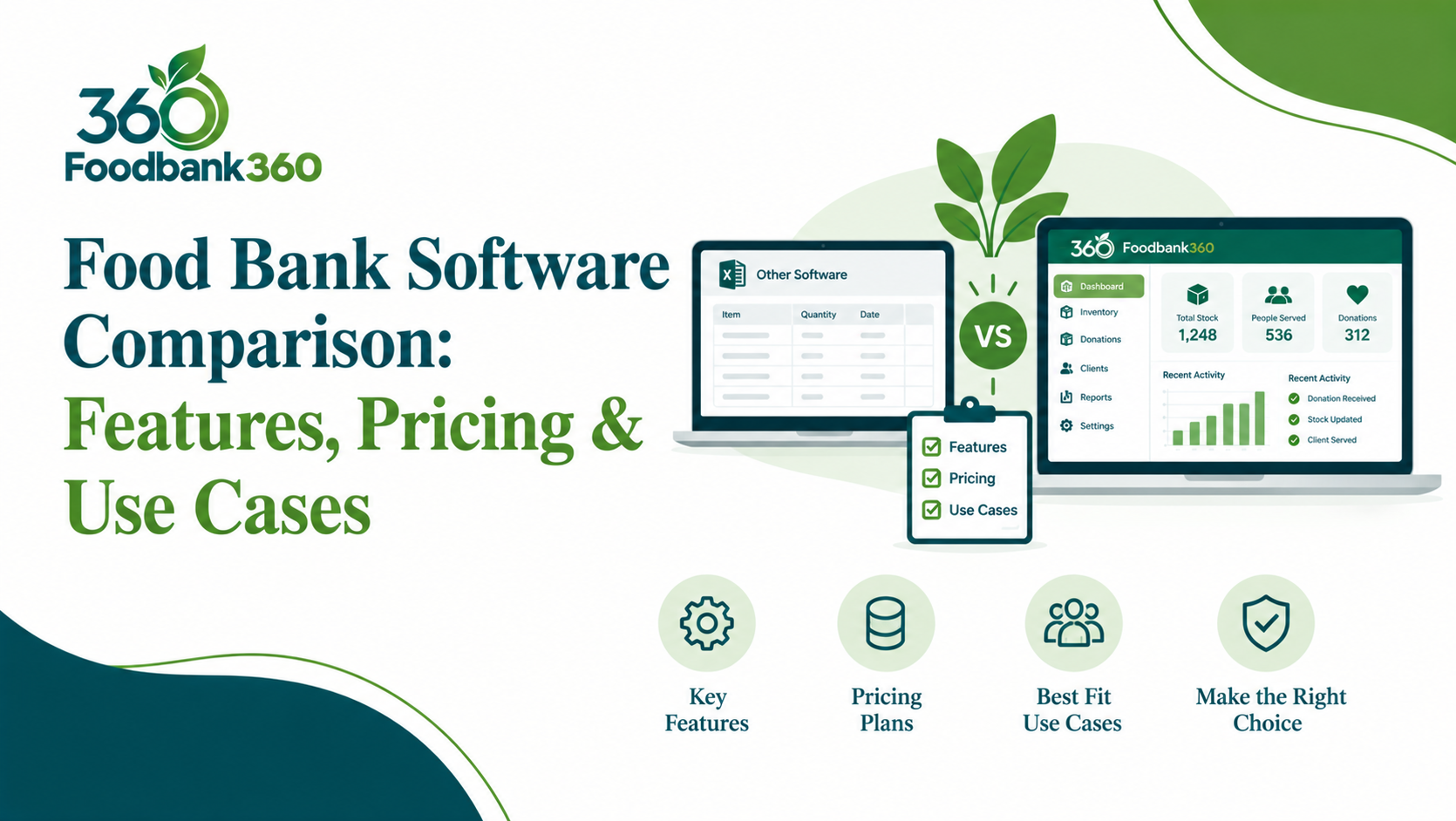
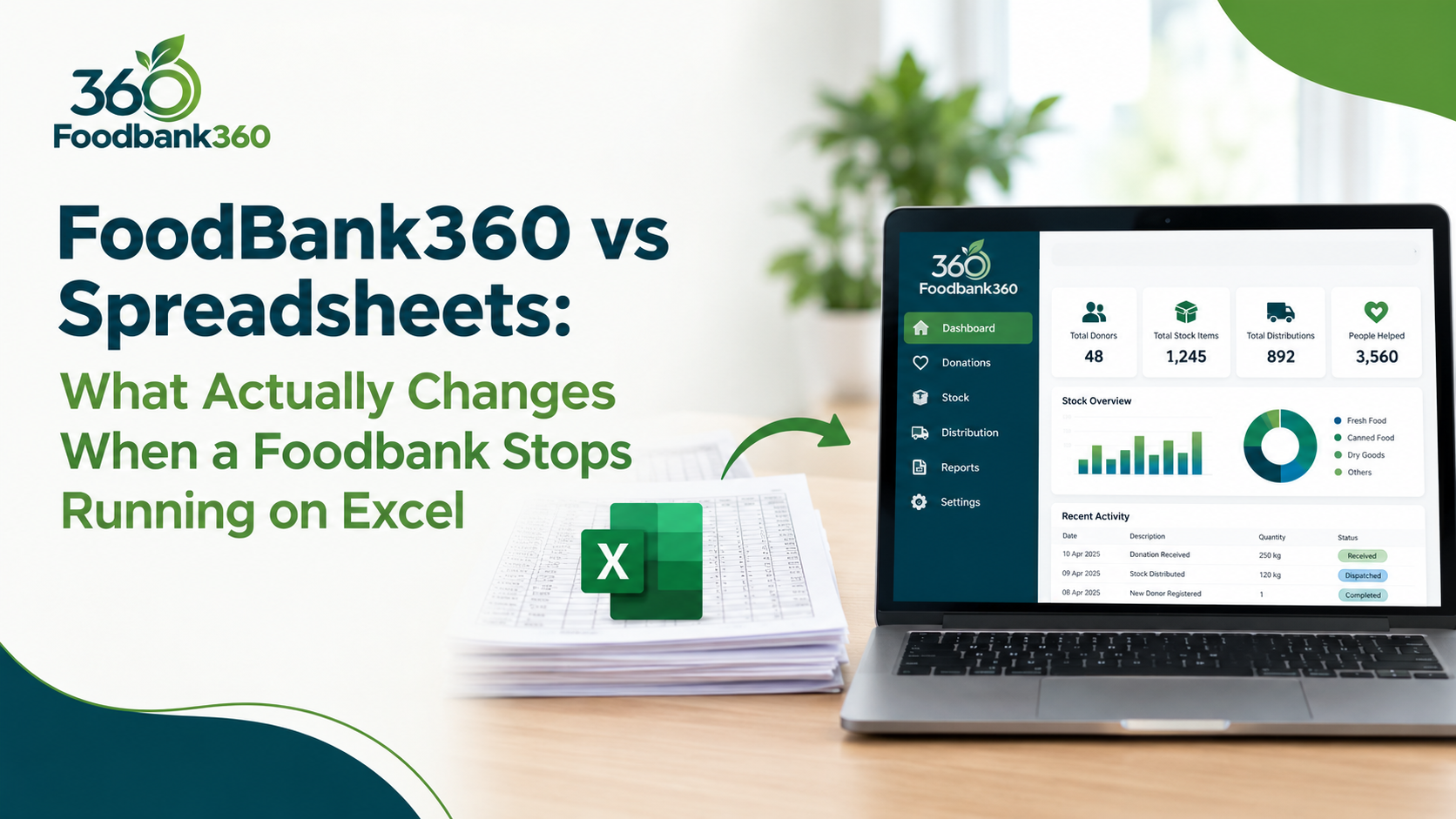
How Foodbank360 Replaces The Spreadsheets

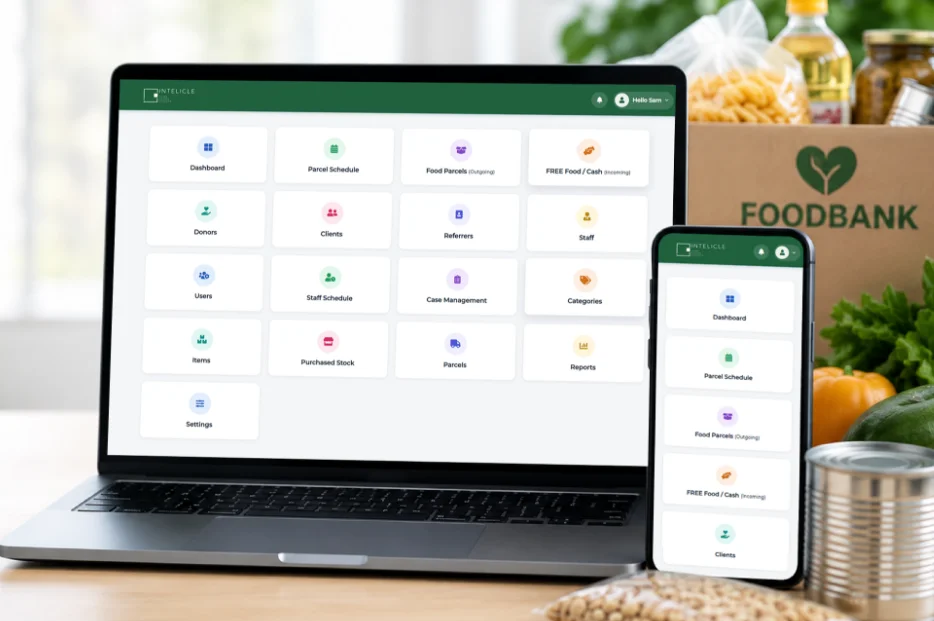
FoodBank360 brings referrals, households, stock, parcels, deliveries, donations and volunteers into one system, so information is entered once and used everywhere.

If your spreadsheet does this… FoodBank360 does it like this
Referral log Partner agencies submit referrals online and see their status. You approve partners, set household visit limits and reschedule missed referrals.
Household list One record per household, with duplicate checks, including across sites.
Stock sheet Live stock levels, low-stock alerts, and expiry alerts at a timing you choose.
Parcel list Parcel templates (including extra-adult, extra-child and kettle parcels) that deduct stock when issued.
Delivery list Delivery schedules, driver lists on a phone or printed, collection slots and redelivery tracking. Drivers see only their own run.
Donations sheet Cash and food donations, with Gift Aid declarations you can export for HMRC claims.
Volunteer rota Shifts, sign-up, check-in and check-out, hours, and DBS renewal dates.
One file per site Per-site stock, transfers between sites, and network-wide reports.

See all features or pricing.

Free Excel-To-Foodbank360 Migration Review

Free Excel-To-Foodbank360 Migration Review

Already managing your food bank in Excel? We'll help you understand how your existing data and ways of working could move to dedicated food bank software, before you commit to anything. In the review, we'll:

  • ✓ Talk through how your food bank runs today.
  • ✓ Look at the structure of your spreadsheets: which sheets, which columns, how they link.
  • ✓ Show you where each type of information would live in FoodBank360.
  • ✓ Tell you what looks transferable, and what would need cleaning or handling another way.
  • ✓ Give you practical next steps, whether or not you choose FoodBank360.
  • ✓ Show you the FoodBank360 workflows that match how you work.
  • ✓ What it isn't:
  • ✓ It isn't the migration itself, and it isn't a commitment to buy.
  • ✓ We won't ask you to send personal data through a web form.
Book a Demo
How The Migration Review Works

How The Migration Review Works

In the review, we'll:

  • ✓ Tell us about your food bank. Fill in a short form: no spreadsheets, no client details.
  • ✓ We arrange a call. It's usually a video call.
  • ✓ We look at the structure, not the people. You can share your screen, or send a copy with personal details removed or replaced with dummy data. We'll agree a secure way to share it first.
  • ✓ We map it out. We show how your sheets and columns would match FoodBank360 records, and flag anything that needs cleaning.
  • ✓ You get a demo: demo of the relevant workflows.
  • ✓ You decide. If you go ahead, setup is £100 per site. If you don't, the advice is yours to keep.
Book a Demo
What Can Usually Move Across From A Spreadsheet

What Can Usually Move Across From A Spreadsheet

What transfers depends on how your spreadsheets are set up. It's often better to start fresh with some history, such as old visit logs. We'll talk you through what's worth bringing across. As a guide, these are the kinds of records that can map to FoodBank360

  • ✓ Households: names, addresses, household size, contact details.
  • ✓ Referral partners: organisation names, contacts.
  • ✓ Stock items: item names, categories, quantities, expiry dates.
  • ✓ Donors and donations: donor details, Gift Aid declarations.
  • ✓ Volunteers: names, contact details, roles, DBS renewal dates.
Book a Demo
What May Need Cleaning Or Extra Work

What May Need Cleaning Or Extra Work

Most spreadsheets need some tidying before an import. Common issues:

  • ✓ Duplicates: the same household entered twice with different spellings.
  • ✓ Combined fields: a whole address in one cell, or "2 adults 3 kids" written as text.
  • ✓ Inconsistent formats: dates written different ways, phone numbers with and without spaces.
  • ✓ Notes columns: free text mixing several kinds of information.
  • ✓ Formulas and colour-coding: meaning that only exists in someone's head.
  • ✓ Data you shouldn't keep: records past your retention period, or information you no longer need.
  • ✓ Several sheets describing the same thing in different ways.
Book a Demo

From Five Spreadsheets To One System

A food bank with one distribution centre and twelve referral partners keeps five files: a referral log, a household list, a stock sheet, a delivery list and a volunteer rota.

Before After
Partners email referrals; the coordinator retypes them Partners submit referrals online, and the coordinator approves them
Household list checked by eye for duplicates Duplicate check when a household is added
Stock counted on Fridays Stock deducted as parcels are issued, with alerts for low stock and expiry
Delivery list rebuilt weekly Delivery schedule, with driver lists on their phones
Rota in a shared sheet Volunteers sign up for shifts and check in
Monthly report compiled by hand Report run from the system

The change isn't instant. Data needs cleaning first, volunteers need a short introduction, and partners need their logins. But each piece of information is entered once.

Data Protection During The Move

Data Protection During The Move

Moving records is the riskiest moment for personal data, so we plan for it.

  • ✓ Never send: beneficiary spreadsheets through a web form or ordinary email.
  • ✓ For the review: we only need the structure of your spreadsheets. Share your screen, or use a copy with personal details removed.
  • ✓ For the migration itself: we'll agree a secure transfer method with you
  • ✓ FoodBank360 security: data is hosted in the UK, staff can use two-factor sign-in, and backups are taken regularly.
  • ✓ Access control: referral partners see only their own referrals, and drivers see only their own run.
  • ✓ Before you import: check your privacy notice and retention rules, and delete what you no longer need.
Book a Demo

What Our Customers Say

“
FoodBank360 has transformed the way we work. It saves us hours every week and helps us support more families in our community.
J
John Smith
Manager, Discovery Food Bank
★★★★★
“
FoodBank360 has made managing our food bank so much easier. It saves valuable time, keeps everything organised, and allows us to focus on supporting more people in our community.
S
Sarah Mitchell
Food Bank Manager
★★★★★
“
Since introducing FoodBank360, our day-to-day operations have become faster and more efficient. We can manage donations, stock and families with ease.
E
Emma Thompson
Community Food Coordinator
★★★★★
“
FoodBank360 has transformed our food bank operations. The platform saves us countless hours and gives our team more time to make a real difference in our community.
O
Olivia Harris
Charity Director
★★★★★

From the Blog

Find Out What Moving Would Involve, Before You Commit

Tell us how your food bank runs today. We'll show you what would move across, what would need tidying, and how FoodBank360 would fit.

✓ Free and with no obligation. ✓ Prefer to talk? Call 0115 786 0269 or email connect@foodbank360.com. ✓ Support hours are Monday to Friday, 9am–6pm UK time.